BIBLE CLOCK
A quiet clock, kept by Scripture.
84 hand-crafted watch faces, a daily verse, and the liturgical calendar — on every screen you own.
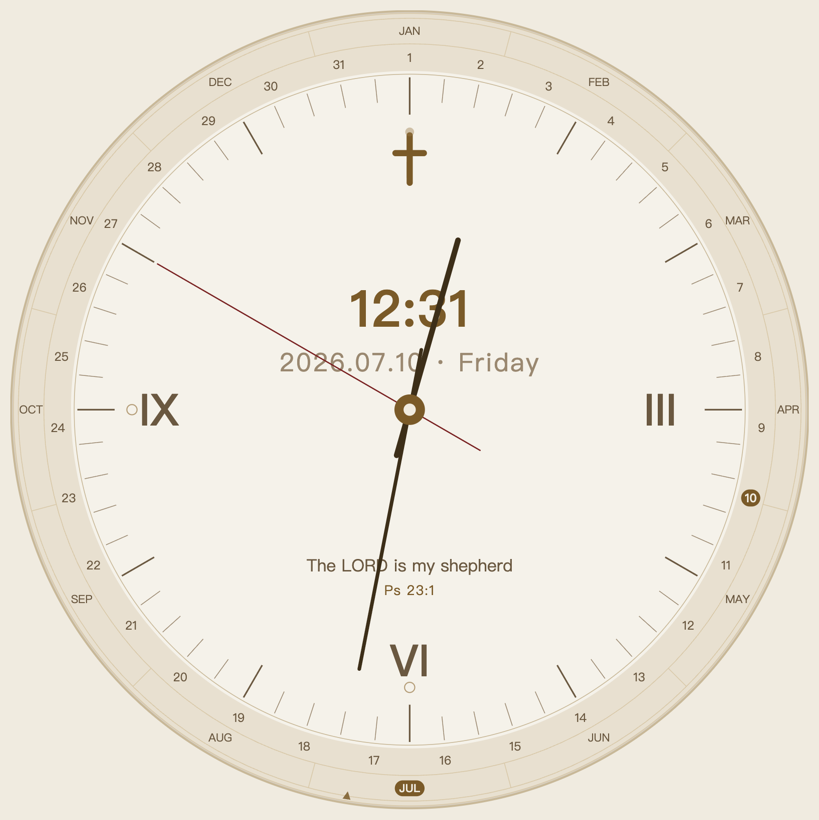
84 hand-crafted watch faces, a daily verse, and the liturgical calendar — on every screen you own.
Your faces, your daily verse, your settings — carried across every device by your account. No second purchase, no subscription.
Classic and minimal styles, the twelve apostles, the beasts and plants of Scripture, and the feasts of the church year — each with its own verse.
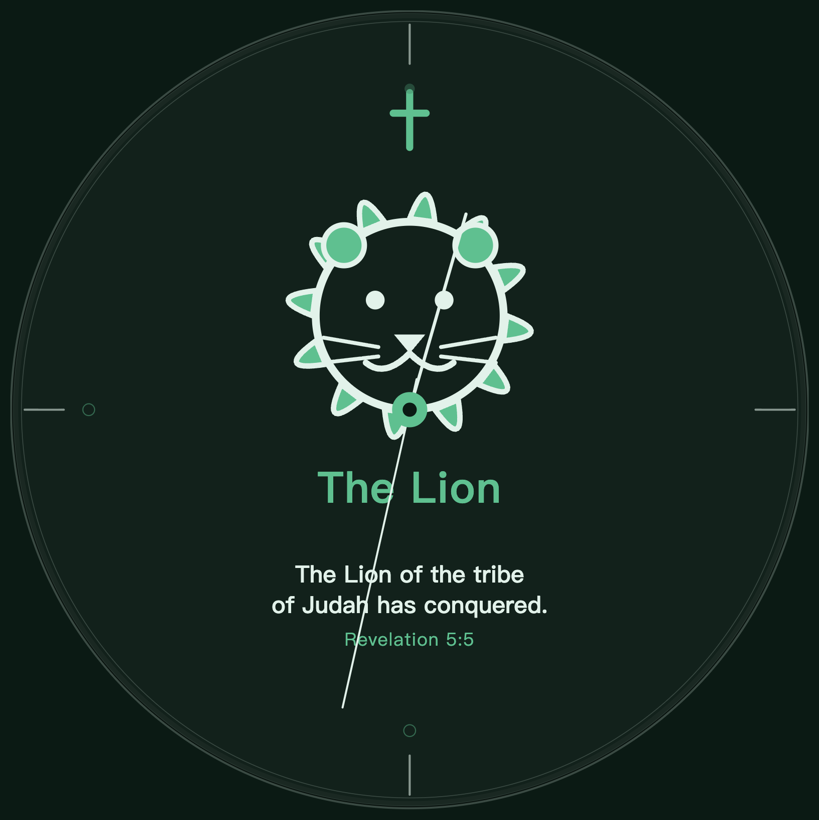
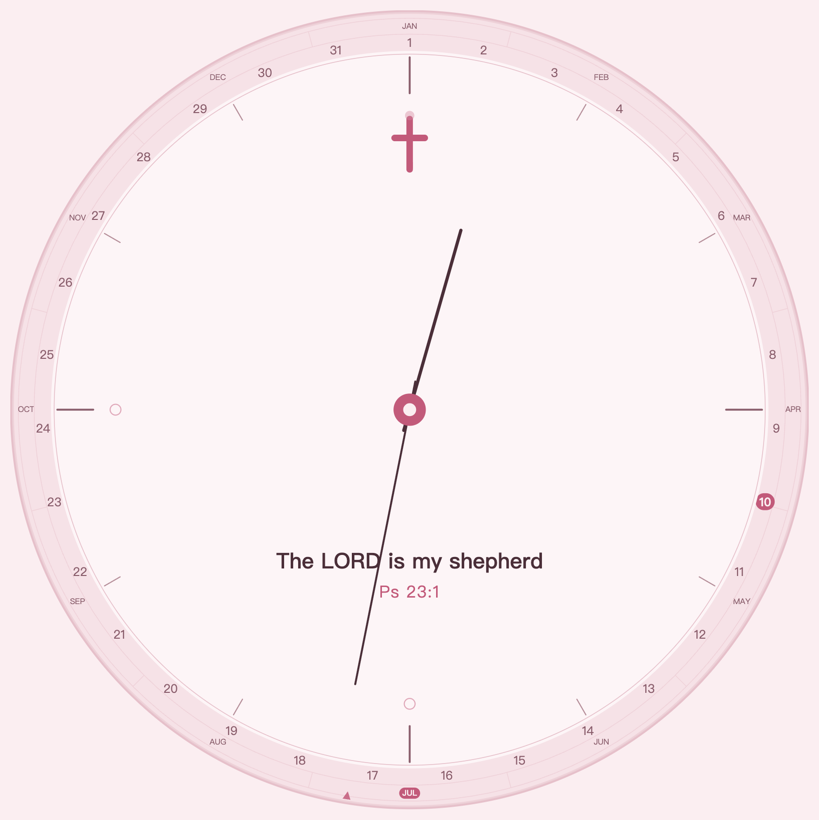
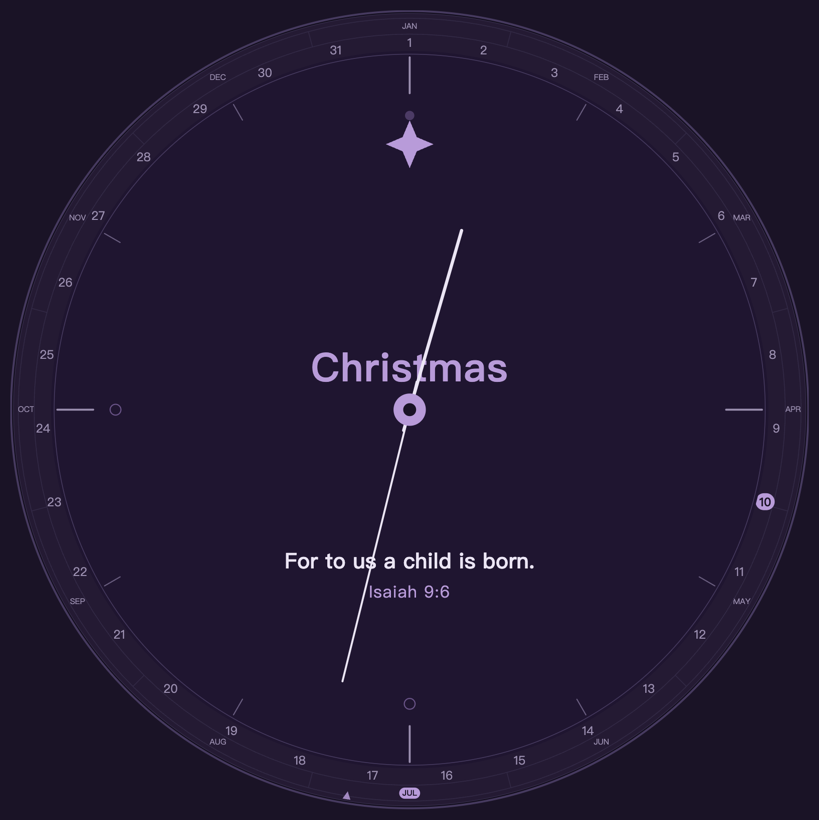
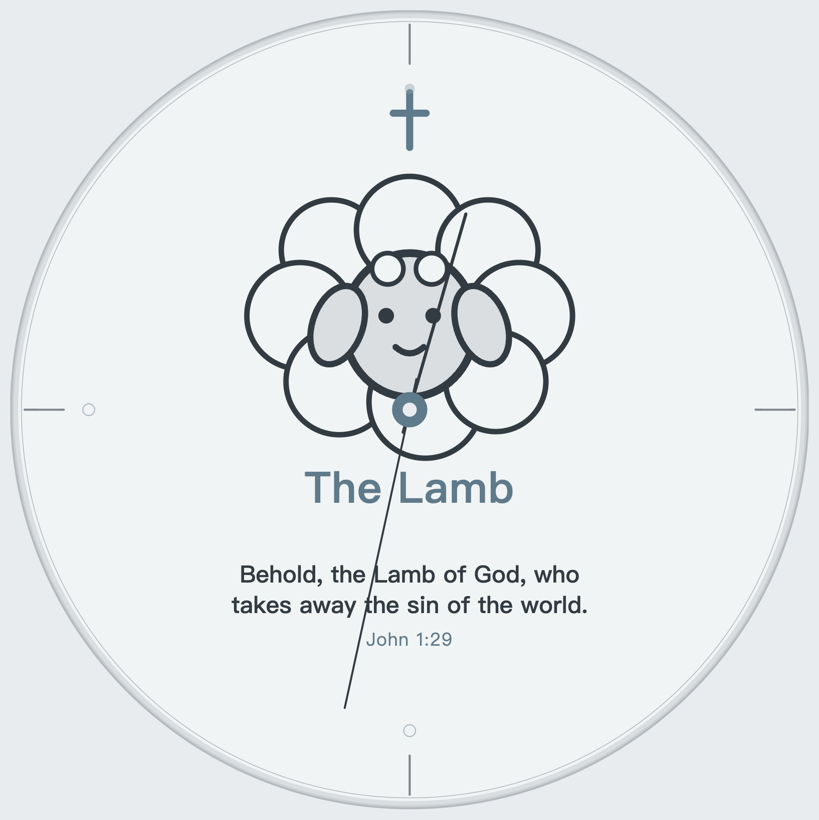
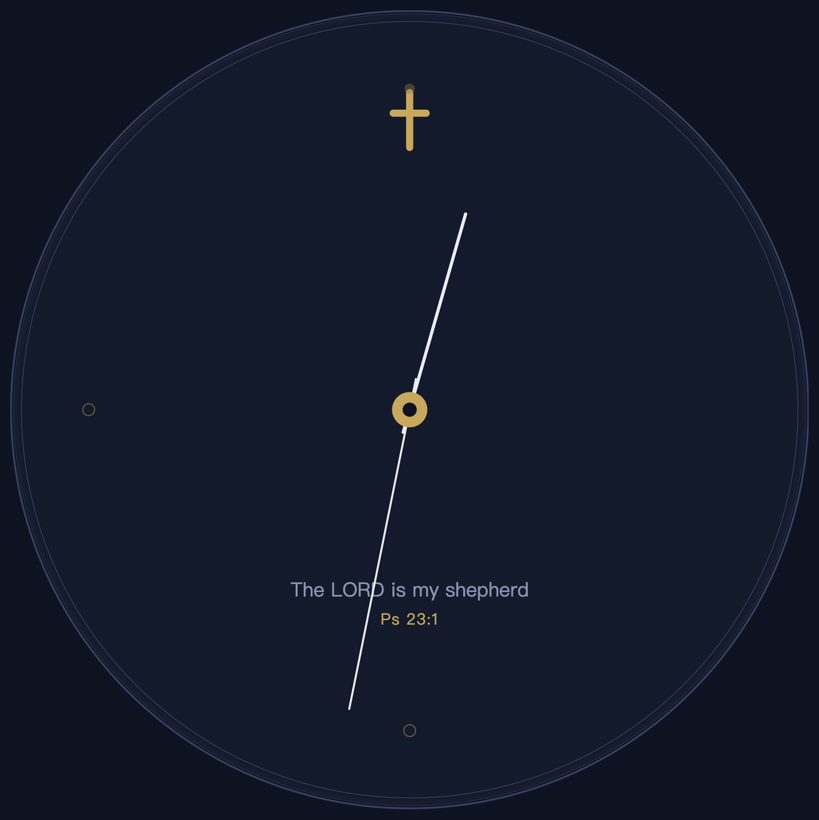
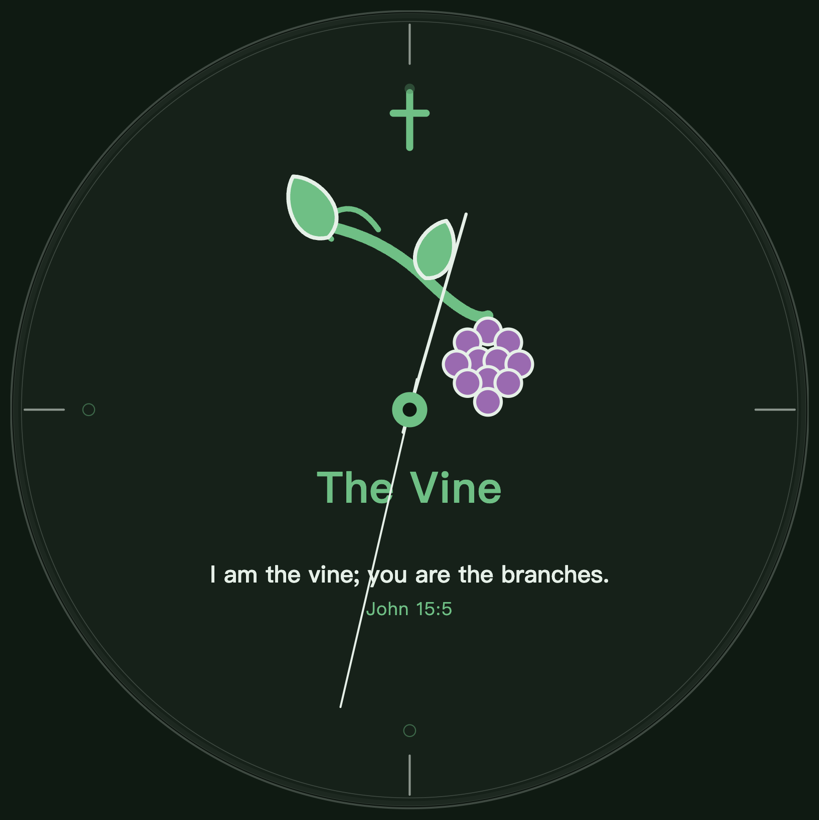
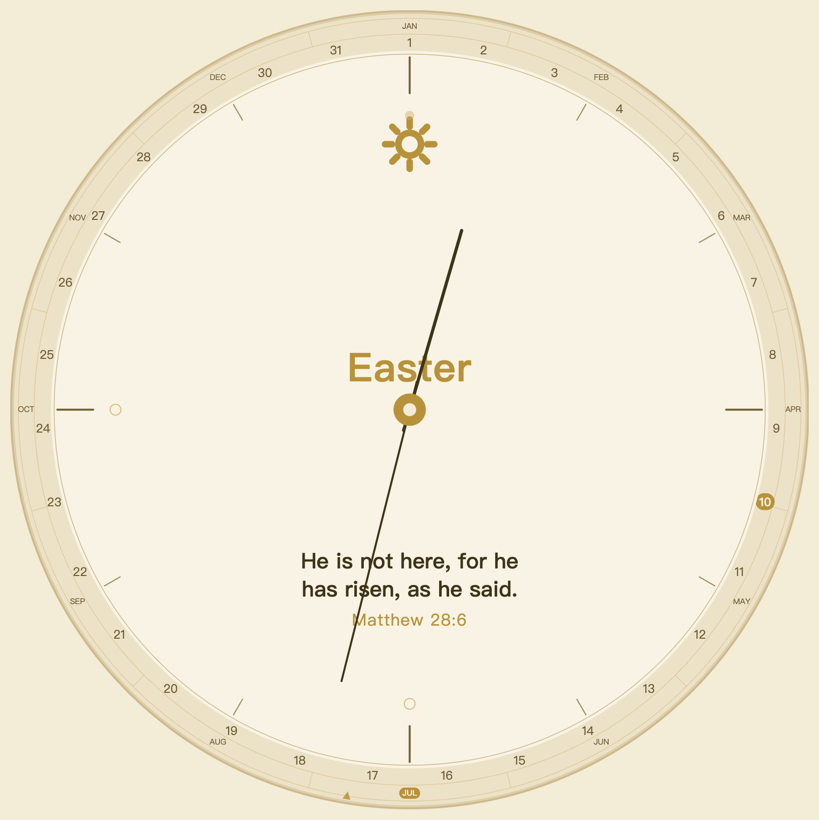
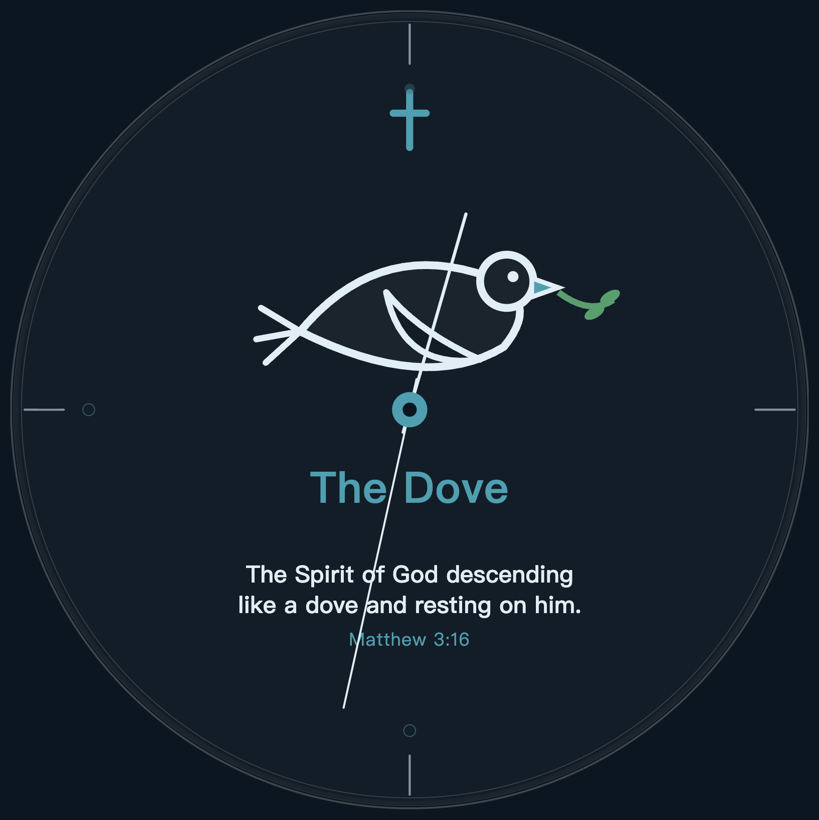
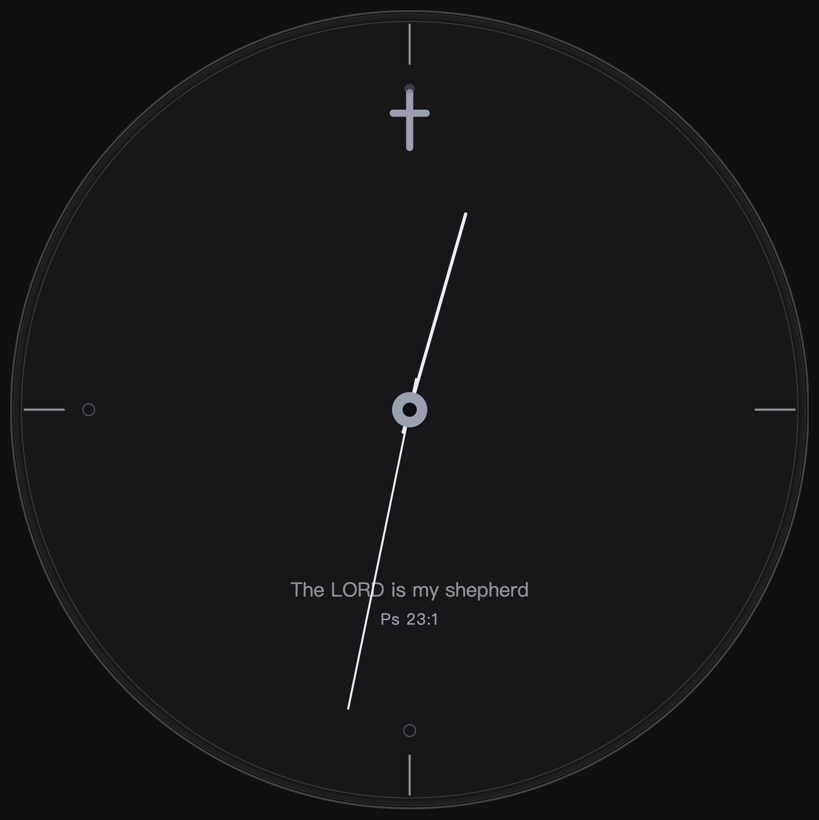
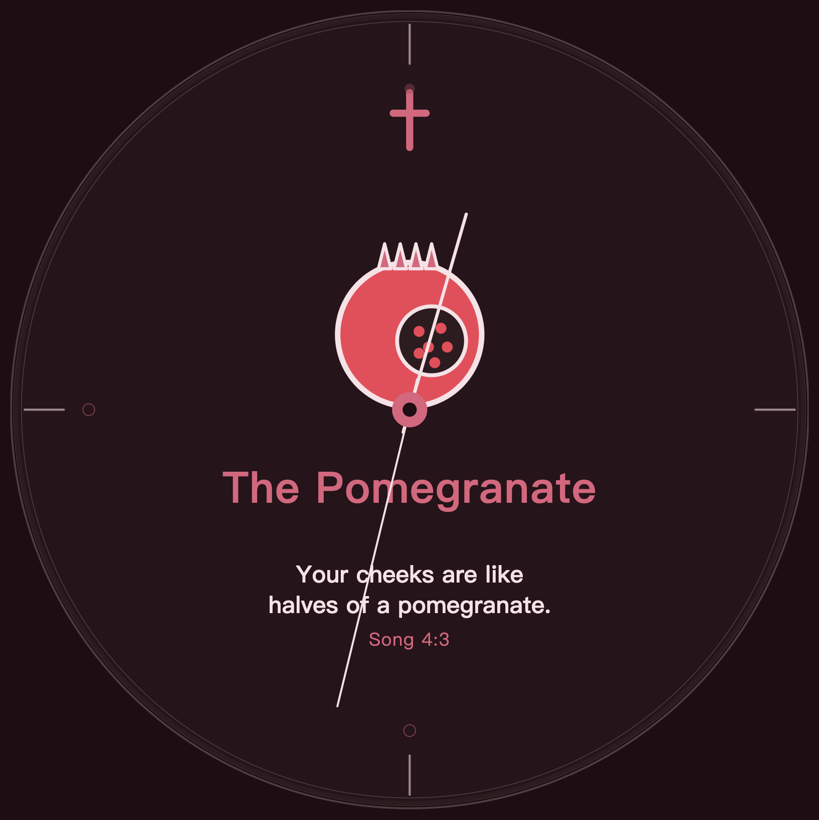
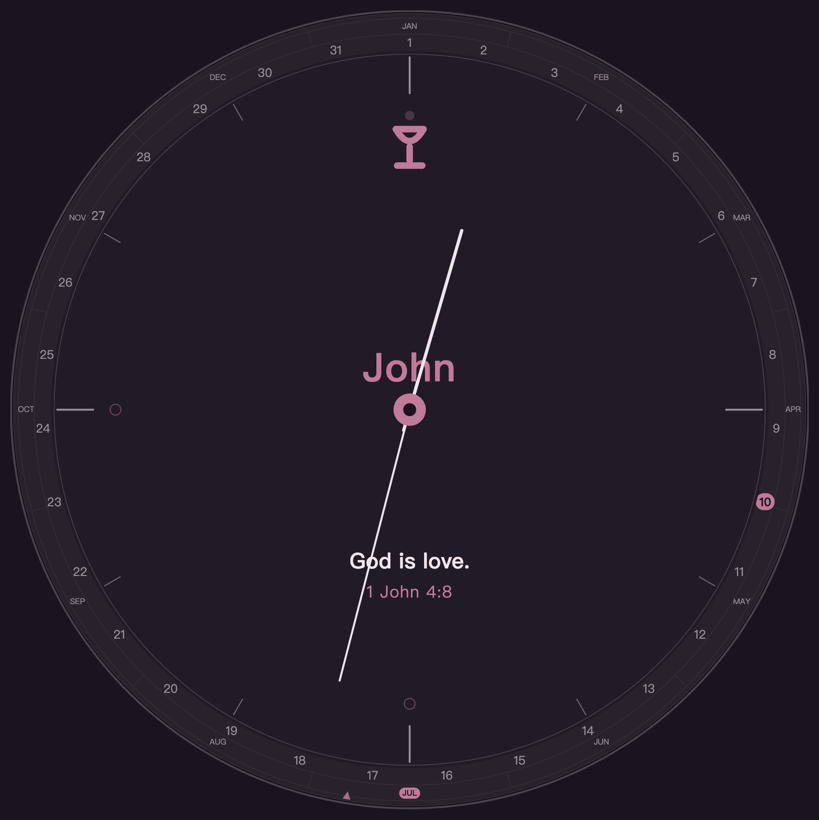
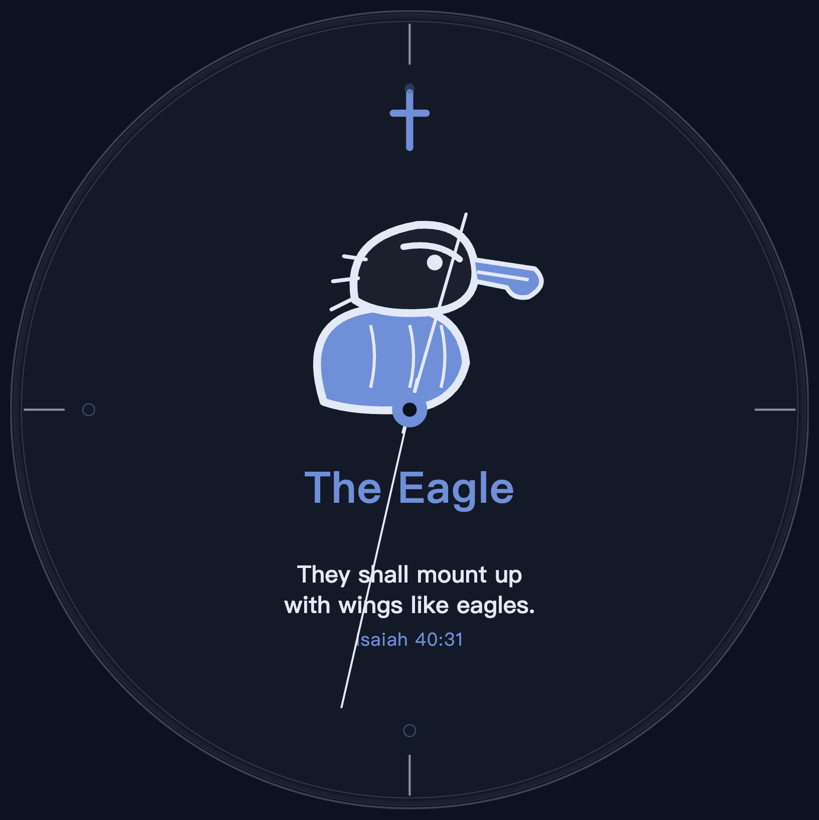
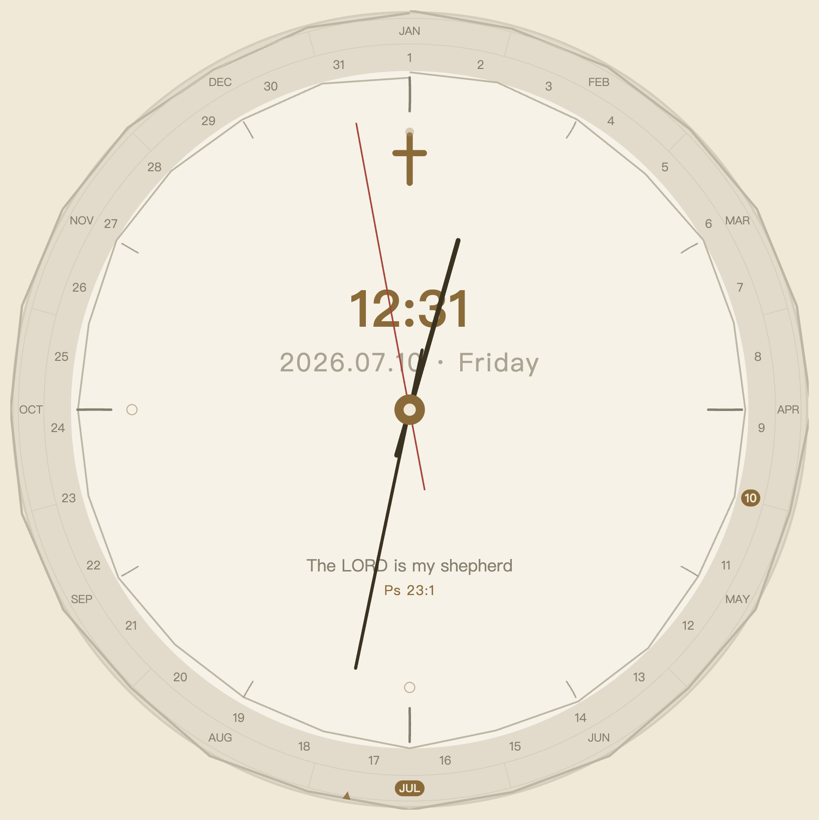
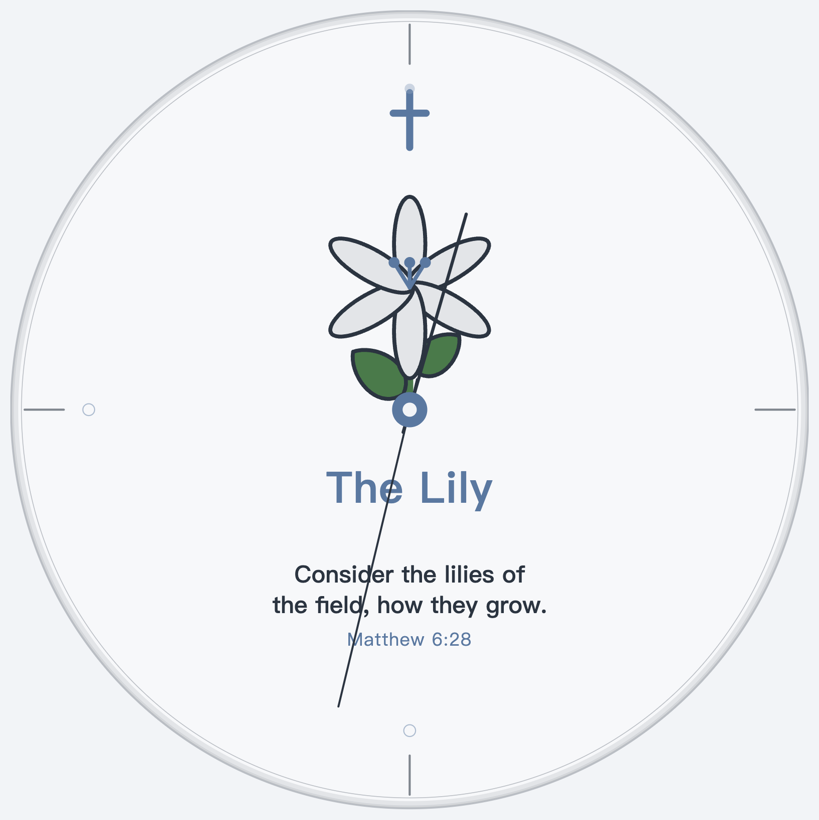
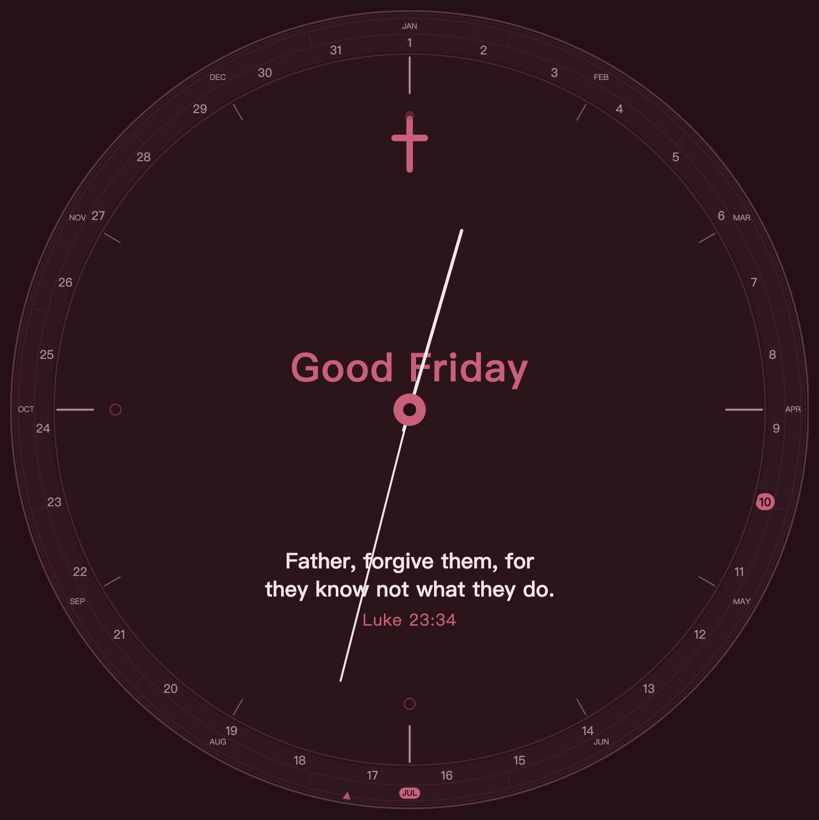
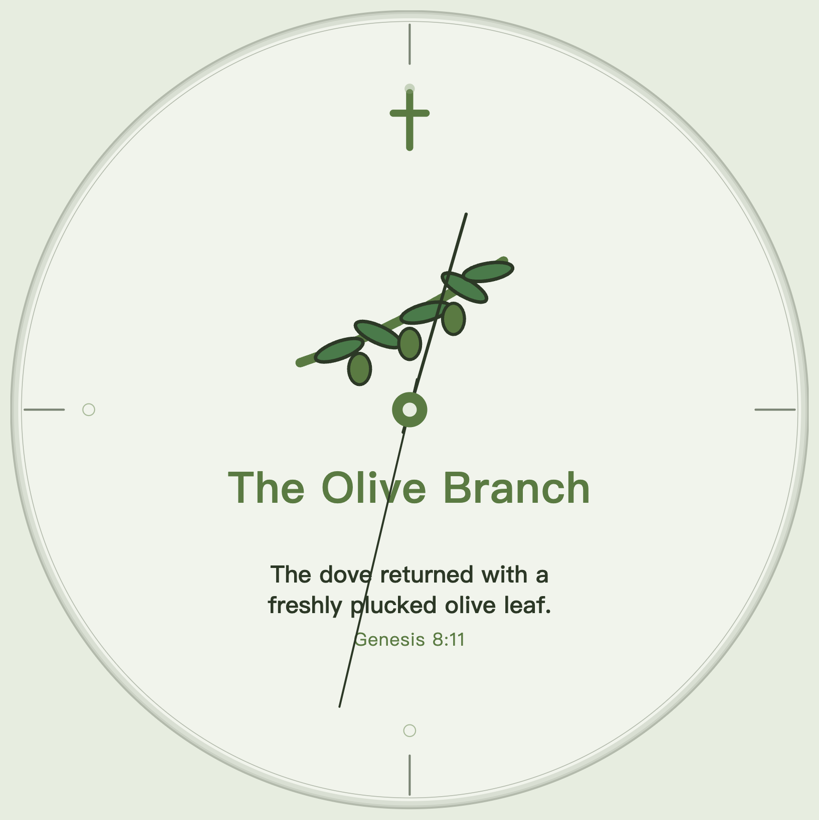
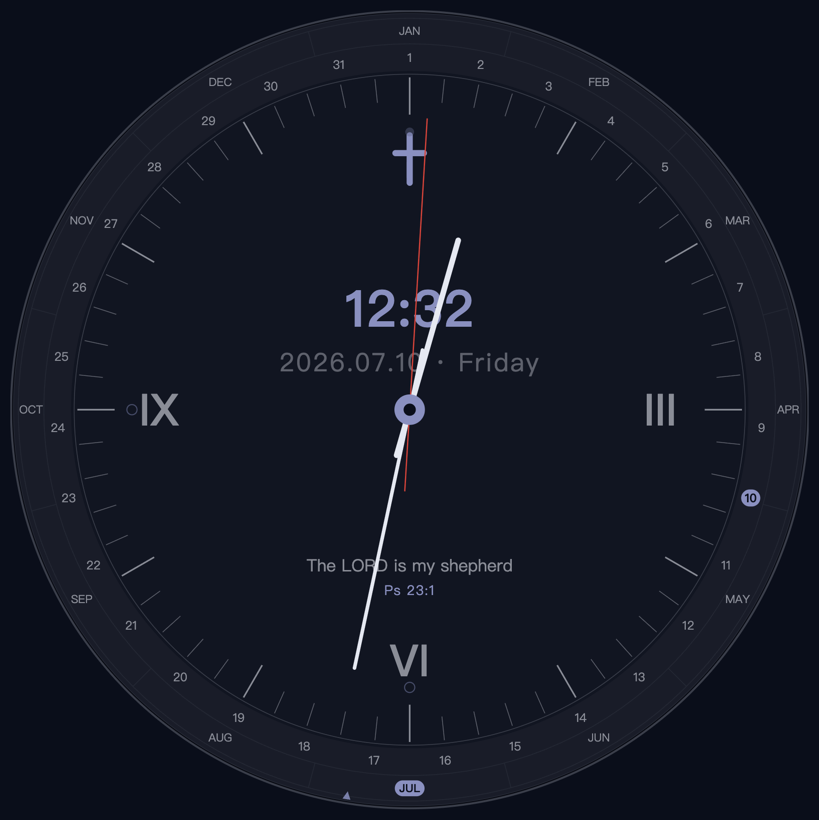
…and 66 more, across every season of the year.
Share your code from inside the app. When a friend signs up with it and opens the app, you each unlock a face pack of your choice — free, on every device, up to 3. And when a friend you invited makes their first purchase, you unlock one more — this time the premium packs like Classic and Beasts are on the table too. Find it in Settings → Account → Invite friends.
Start on your phone, or just open it in a browser right now.
Download on theApp StoreA native desktop clock that lives quietly on a second screen.